Free OCR, video and audio software for Windows
Get editable text from a scan, make a video work with your player, or save a YouTube clip for offline use. Find the FreemoreSoft program for your file, with supported formats and clear steps.
- OCR for images, screenshots and PDFs
- MP4, AVI, WMV and MPEG video conversion
- 3GP to MP4 and video to 3GP
- YouTube videos as MP4 or MP3
Find software for your task
Start with the file you have and the result you need.
Choose the right FreemoreSoft program
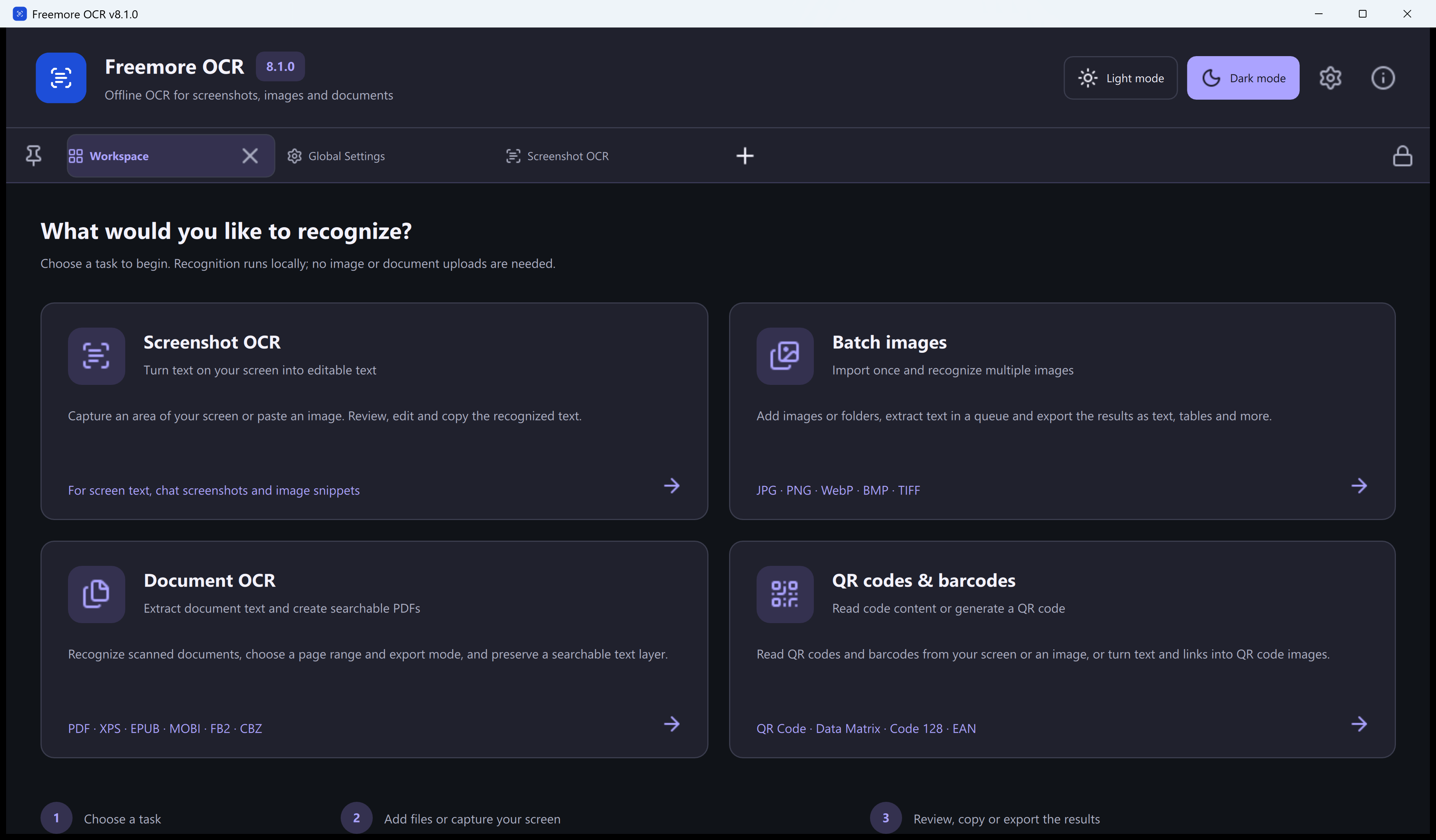
Freemore OCR: turn pictures and scanned pages into text

Recognize a selected area of your screen, process a batch of images, or extract text from a scanned PDF. Recognition runs locally, so you can work with documents without sending them to an online OCR service. Review the result before copying or saving it.
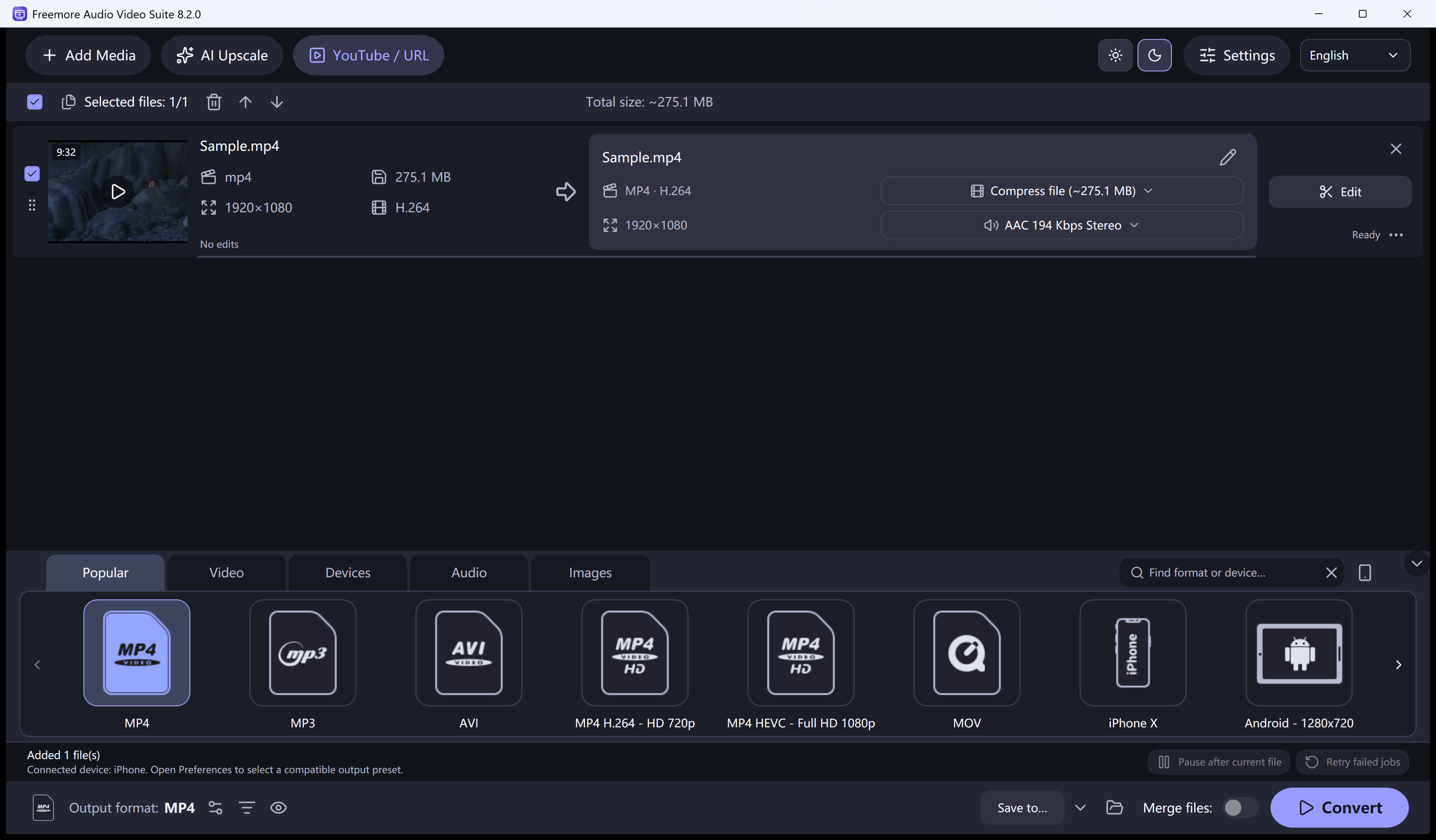
Audio Video Suite: convert formats, compress files and extract audio

Use one program for MP4, AVI, WMV, MPEG and 3GP conversion. Bring old phone recordings into MP4, prepare a 3GP file for a compatible handset, or extract MP3 audio from a video. Batch conversion, trimming and a short compression sample help you prepare files before a longer job.
Video converter formats and features · 3GP conversion options · Extract MP3 audio
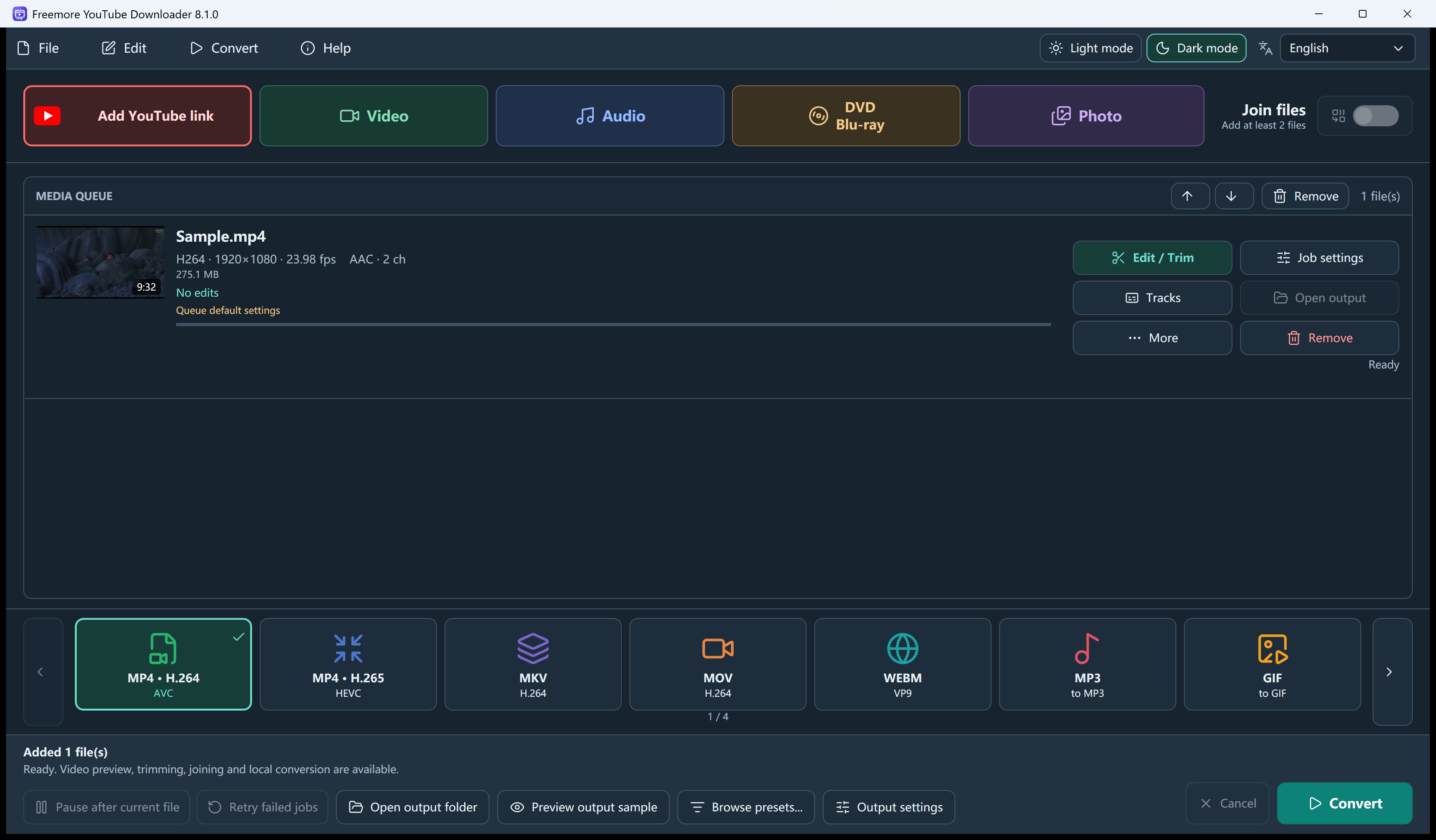
YouTube Downloader: save a video link in the format you need

Read the formats available for a public video, choose a source quality and add it to the queue. Select MP4 for video or MP3 for audio on the main screen, then start conversion. Playlist processing can add up to 100 videos; availability depends on each source.
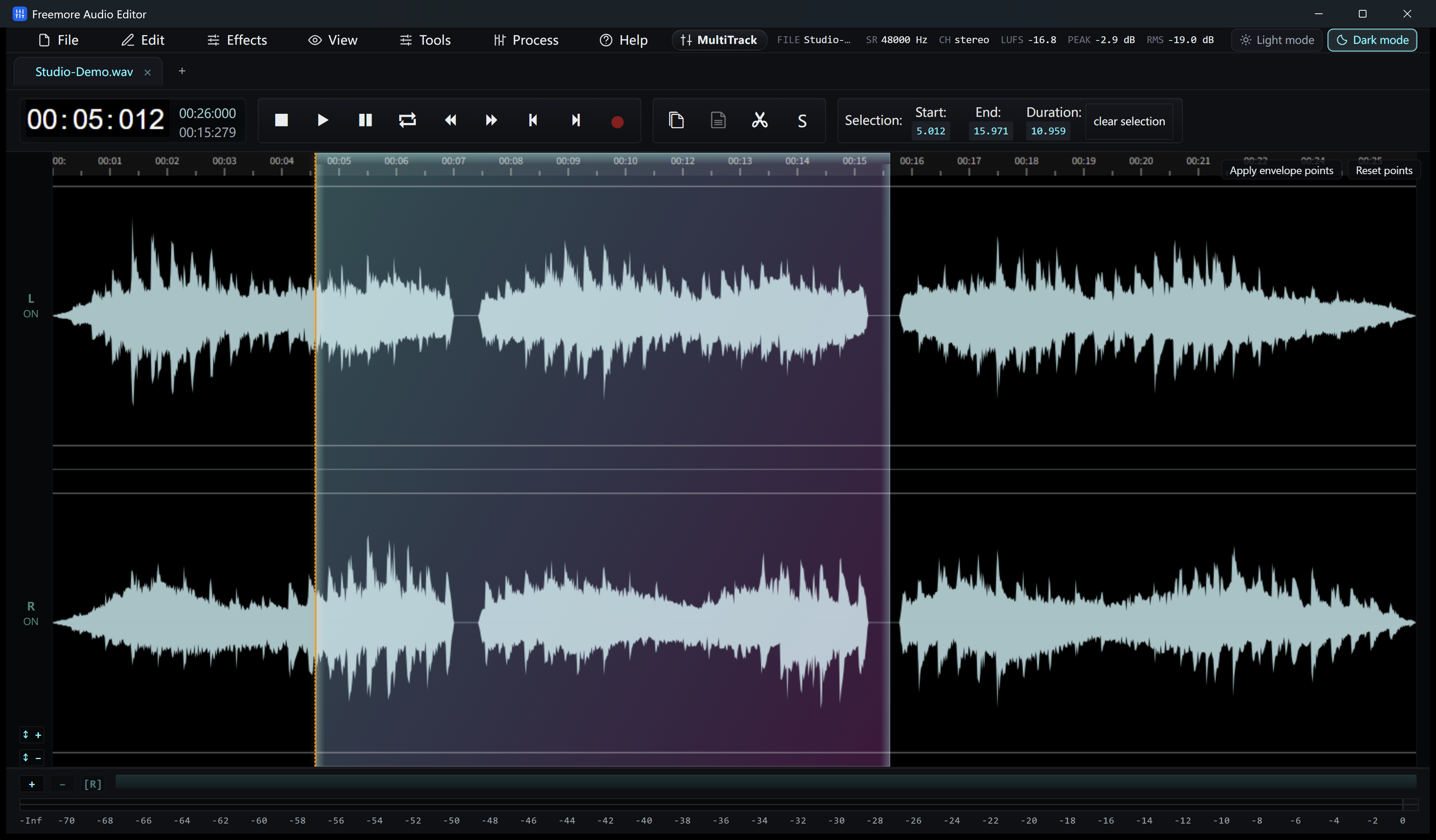
Audio Editor: trim and improve an existing recording

Open an audio file on the waveform to select a section, remove unwanted parts or prepare a ringtone. Use the editing and cleanup controls when the recording itself needs attention, then export the finished audio.
Audio Recorder: capture your microphone and computer sound

Record speech through a microphone, capture sound playing on the PC, or record both sources on separate tracks. Choose this program when you need to make a recording before editing or converting it.
Video Cutter Joiner and MP3 Joiner: arrange the clips you want to keep


Use Video Cutter Joiner to keep selected video ranges or combine clips in sequence. Choose MP3 Joiner for an ordered set of audio clips, with optional gaps or crossfades. Each program has its own download.
Get the Windows program you need
Download Freemore OCR for images and PDFs, or choose a media tool for audio and video tasks.
- A separate download for each program
- Free use of the features described here
- Check system requirements on the product page
Questions about FreemoreSoft software
Which FreemoreSoft program do I need?
Choose Freemore OCR to recognize text in images and PDFs, Audio Video Suite to convert files, or YouTube Downloader to save public video links. Audio Editor, Audio Recorder, Video Cutter Joiner and MP3 Joiner handle editing, recording and combining clips.
Are these programs free to use?
The features described on these pages are free to use. Choose a program for your task, then check its Windows requirements and installation options before downloading.
Do MP4, AVI, WMV and 3GP conversions need separate programs?
No. Freemore Audio Video Suite handles these formats in one application. The video converter and 3GP converter pages explain different uses of the same download, including converting old 3GP recordings to MP4.
Are my files processed on my computer?
OCR recognition and local media conversion run on your PC. Downloading an online video requires an internet connection. Installation prerequisites, optional online features and component updates may also need internet access.
Which versions of Windows are supported?
The current programs are for 64-bit Windows 10 and Windows 11. Audio Video Suite and YouTube Downloader require Windows 10 version 2004 or later and Microsoft .NET Desktop Runtime 8. Check the selected program’s requirements before installing.